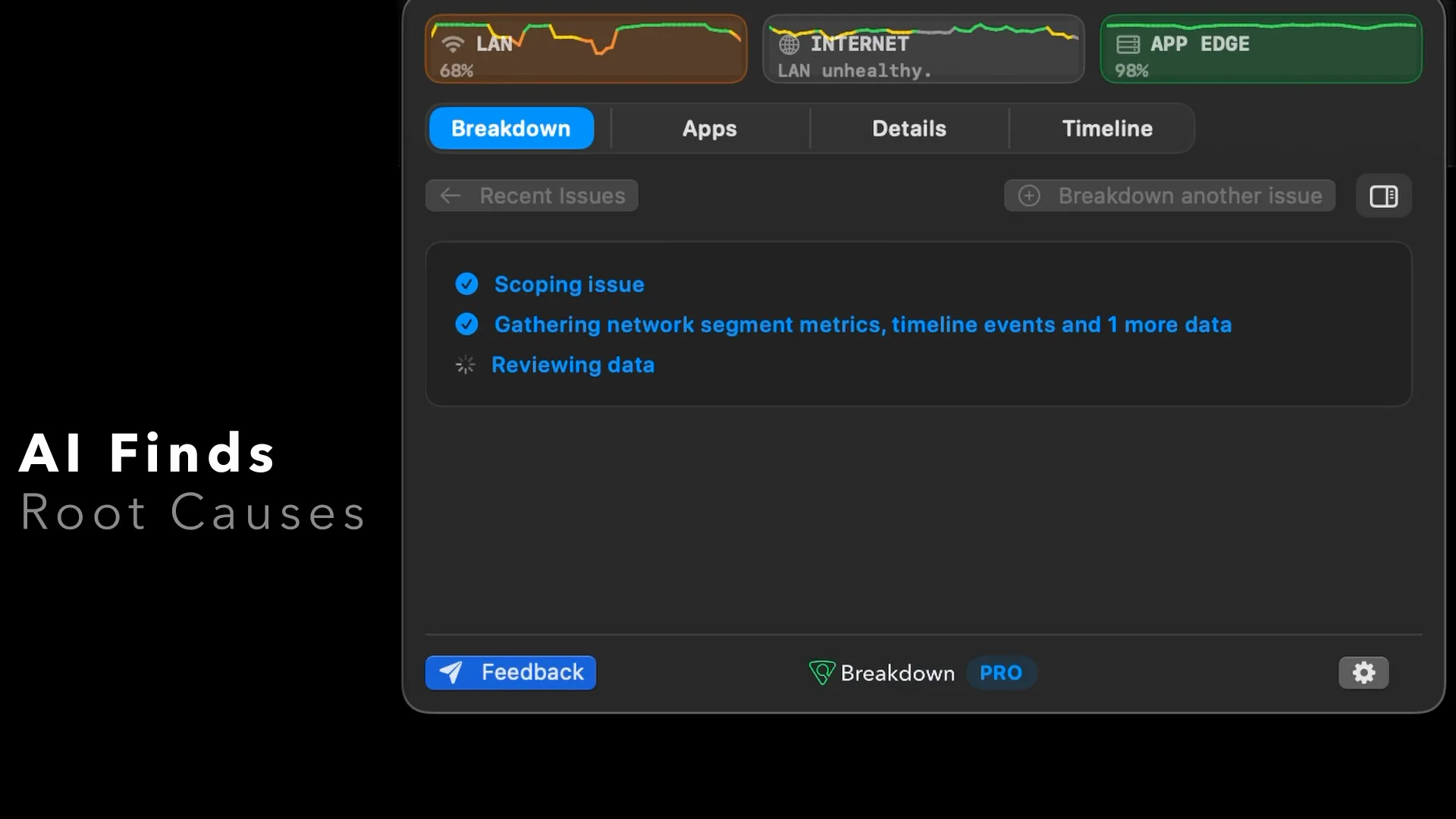

Easy Install
Free with no account required for basic use. Runs in the Mac menu bar.

When calls or cloud apps stall, Breakdown shows whether the problem starts with Wi-Fi, your ISP, or the app.
The silent tour begins with a failing video call. Breakdown identifies the affected network segment, explains a likely root cause, and then shows evidence reports, automatic app monitoring, health history, and detailed path traces. If motion is reduced or video playback is unavailable, the product frame remains visible as a static presentation.
Breakdown gives you the useful answer at-a-glance: Wi-Fi/LAN, ISP path, or App.
Free with no account required for basic use. Runs in the Mac menu bar.
Breakdown follows the calls, SaaS tools, and app connections you actually use.
See Wi-Fi, ISP, and App health. Share PDF evidence reports.
The evidence and analysis you need, from simple to in-depth.
Your calls, SaaS apps, and AI tools rely on a healthy network. Breakdown pinpoints issues and suggests solutions.
Always-on MTR-style traces, AS-path topology tracking, and per-hop metrics run against auto-detected endpoints.
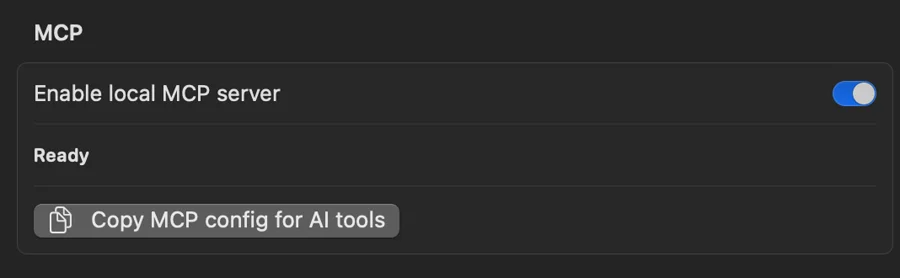
Give your agent access to live and historical data via Breakdown's local MCP server.
Track, pinpoint, and solve lag, disconnections, and re-routes so you stay on top of the leaderboard.


Graphs, view 1 of 4
Explorer Pro
When the problem is intermittent, Explorer shows failure details across loss, latency, jitter, and other metrics, for services and paths you were using.
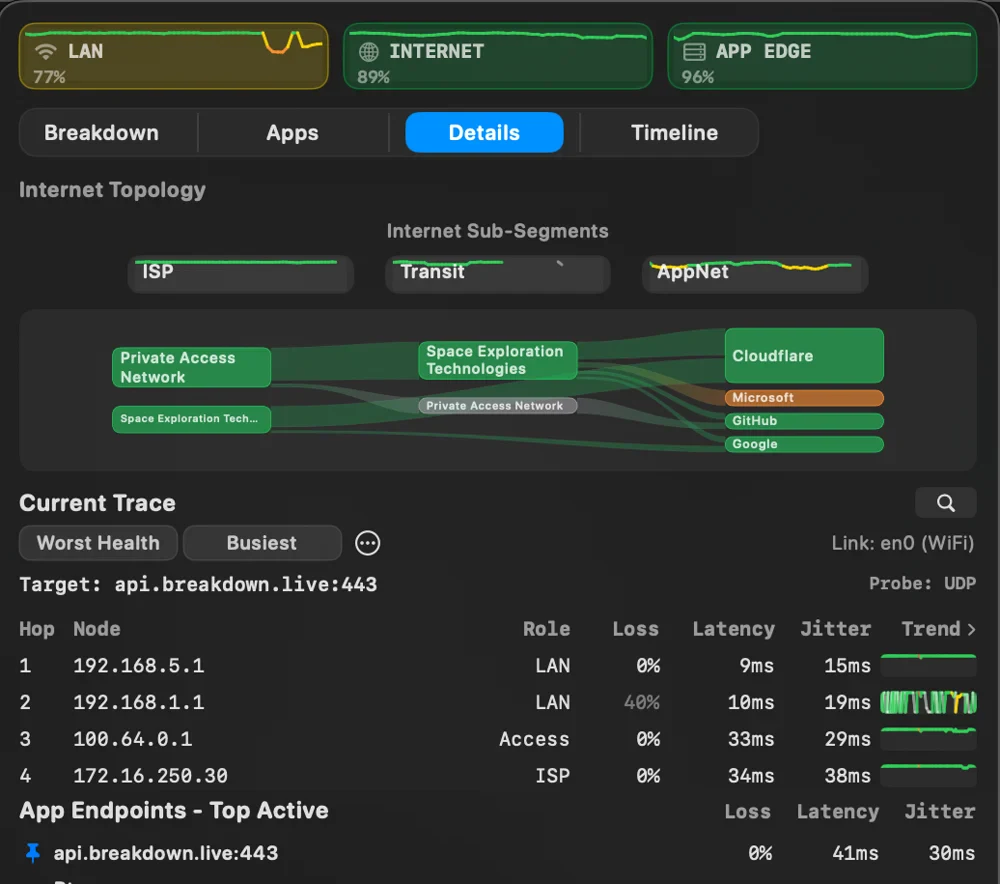
Details Pro
Path traces separate LAN, ISP, Transit, and AppNet segments while filtering misleading ICMP results.
Breakdown detects active endpoints automatically. Pro adds endpoint pinning for dedicated monitoring.
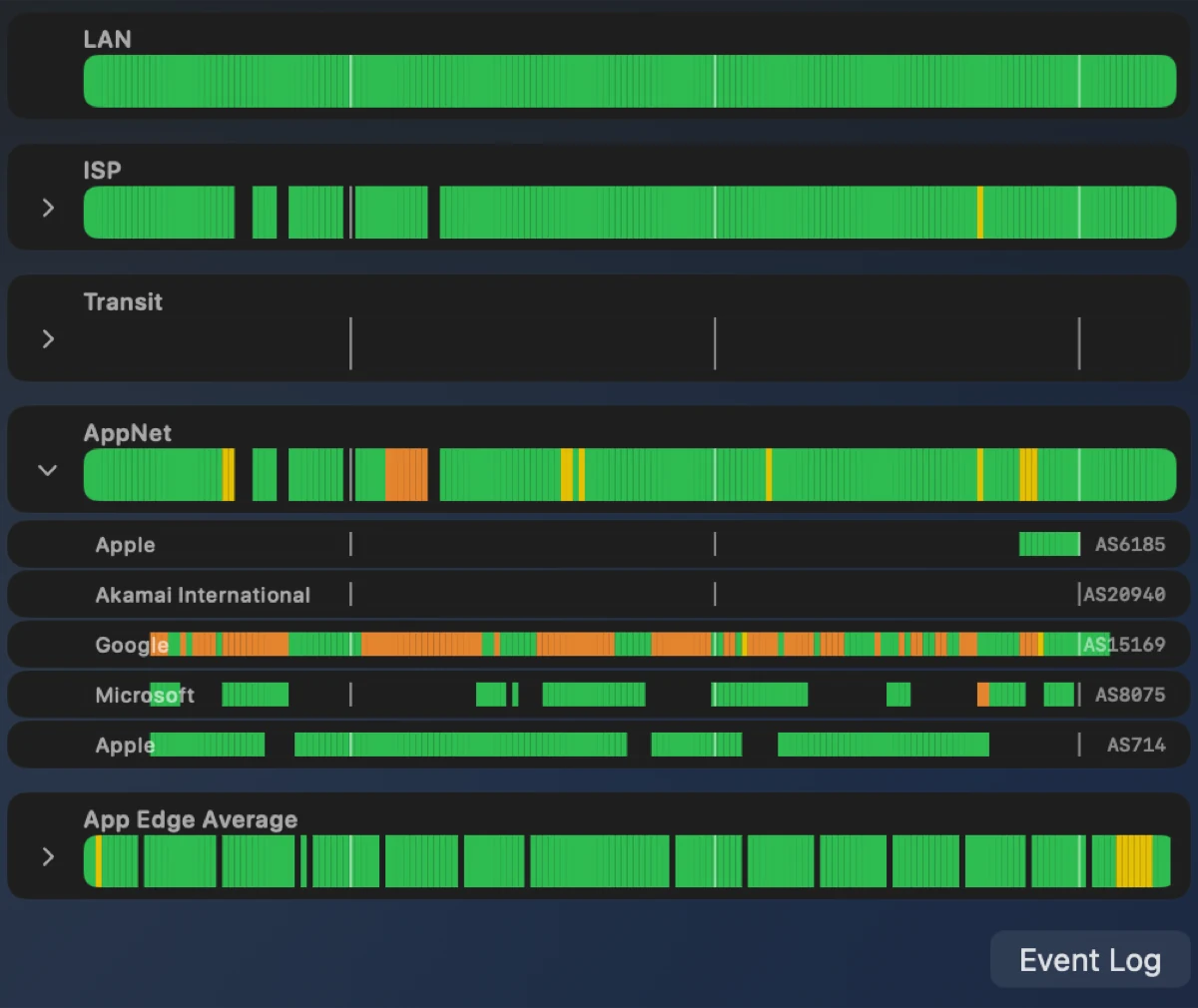
Timeline
Breakdown records continuously, so the troubleshooting data you need is always there.
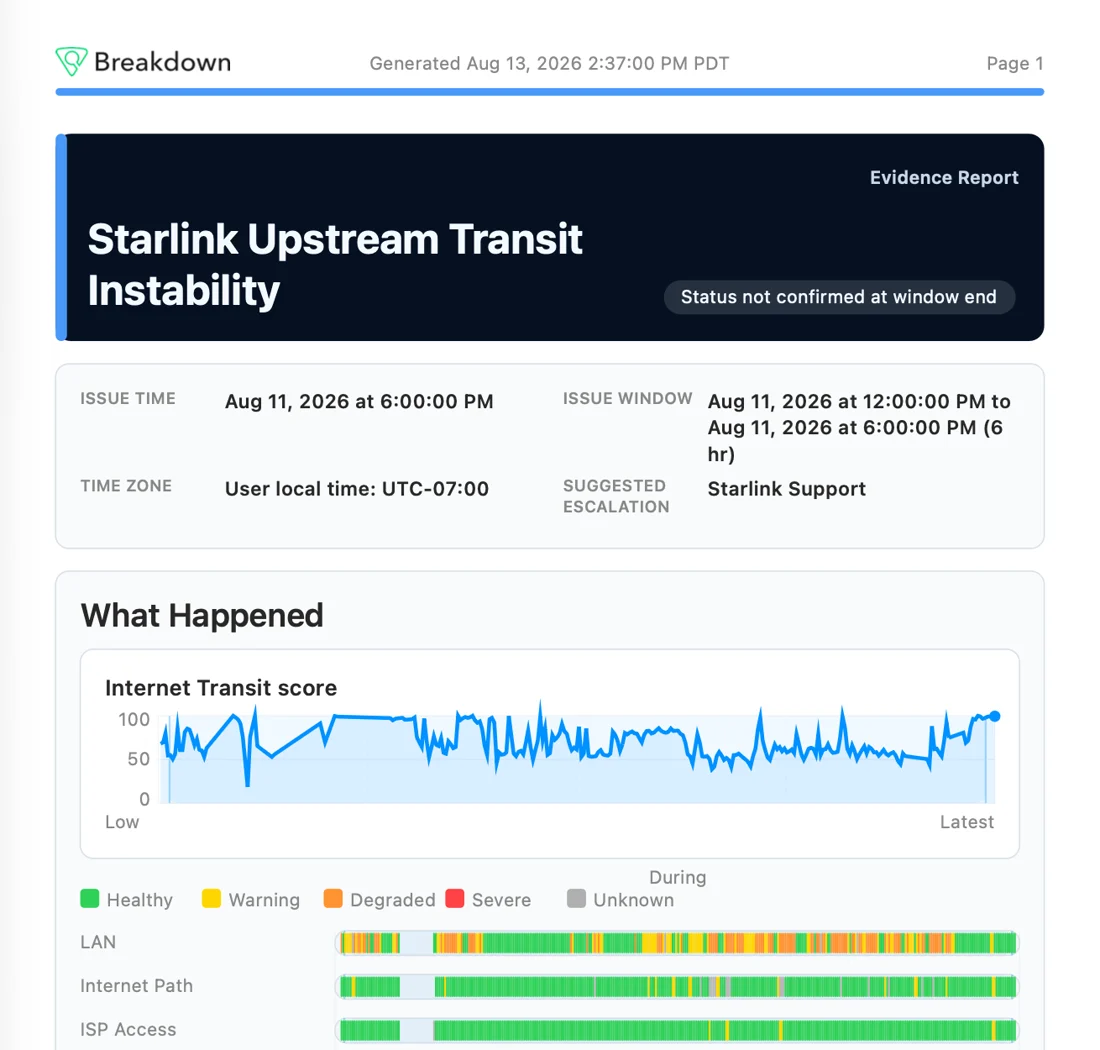
Evidence Reports
Each report centers on the issue you select, providing trace, network, Wi-Fi, app, and endpoint evidence.
View sample evidence reportBreakdown's local MCP server gives Codex, Claude, Hermes, and other AI agents current and historical network health, recent issues, app usage, route details, and Breakdown analysis.
See how agent access works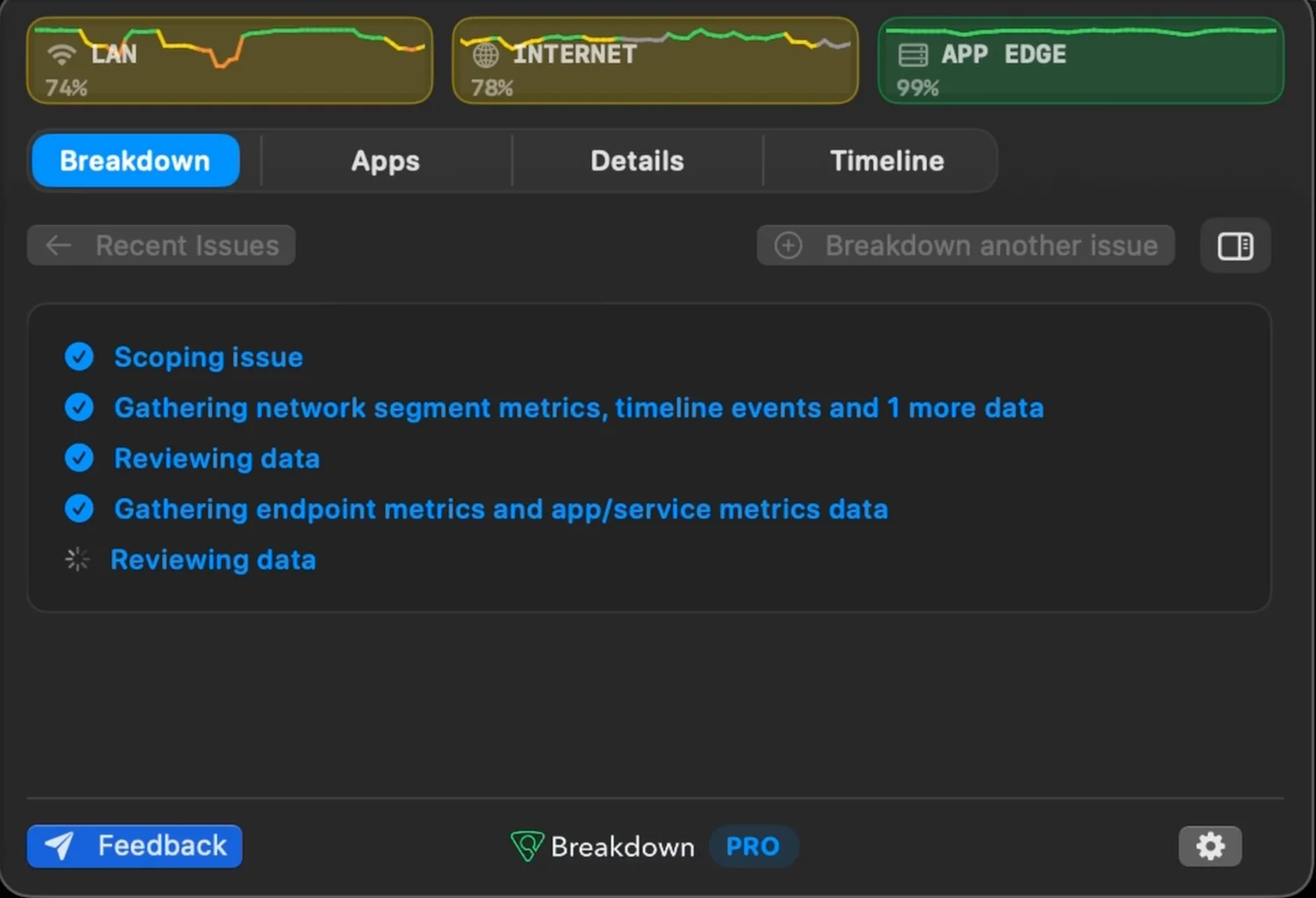
Community Outage Insights
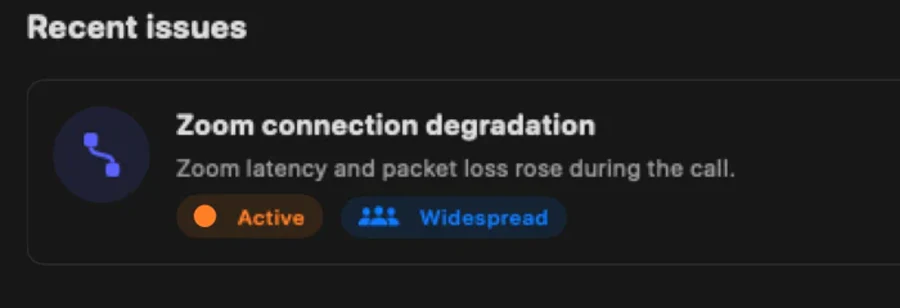
Wonder if that Zoom glitch is affecting your whole team, or if M365 is having an outage? Breakdown compares App and Internet issues with anonymized health signals from participating users, then marks it Regional or Widespread when it’s not just you.
Breakdown analyzes network metadata and health signals, not call audio/video, message contents, or documents.
Breakdown keeps watch without noticeably impacting your battery. In our tests, it typically uses only 0.5-1% CPU when the dropdown is closed.
Community Outage Insights shares anonymized network and service health, without personal data, to reveal broader outages. Opt out at any time.
Free gives you automatic answers and recent evidence. Pro adds detailed network observability, graphing, and Internet-path and ASN topology.
$0
No account required for basic use.
$25/mo$29/mo
$300 billed annually after the trial
$29/mo
Billed monthly after the trial
7-day free trial. Cancel before trial ends and you won’t be charged.